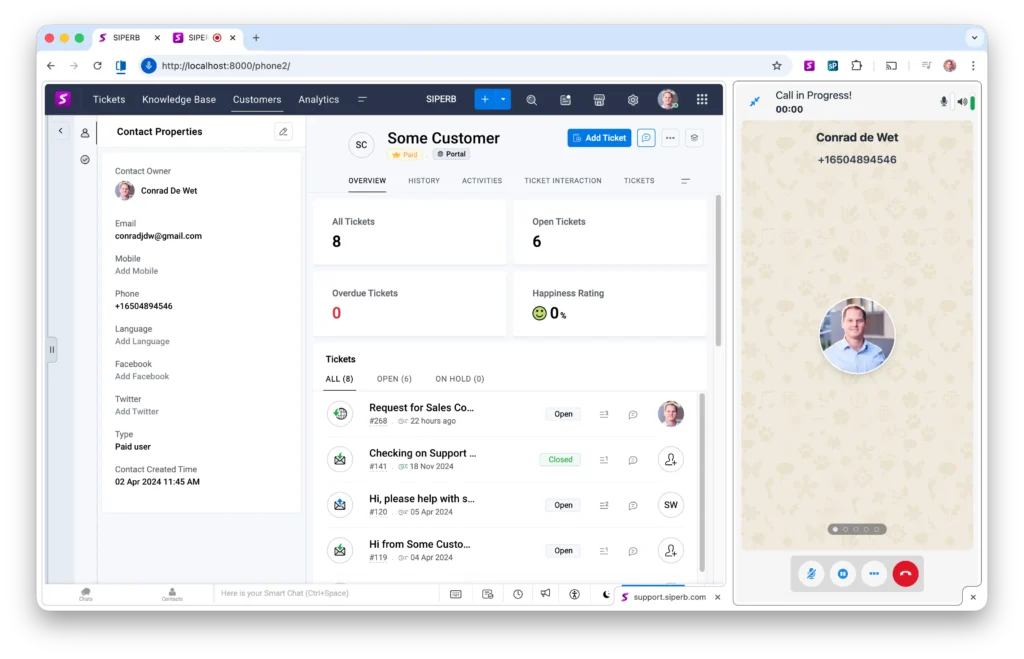
Click to Dial – also known as Click to Call – is one of the most powerful and user-friendly features of a modern web-based softphone. It removes friction from calling workflows by allowing users to initiate calls directly from a web page, CRM, helpdesk, or internal system with a single click.
Note: You must install the Siperb Softphone, with the Browser Phone SDK, either with full provisioning or with your own provisioning as described in the installation documents.
Once the Web Phone is installed and registered, it can both accept incoming calls and originate outbound calls like a traditional desk phone — but with one major advantage: calls don’t need to be dialed manually. Instead, they can be programmatically initiated by your application or triggered directly from the browser interface.
In a typical Click to Dial scenario, telephone numbers are embedded into the HTML content of a page – for example in a CRM record, contact list, ticketing system, or customer profile. When the user clicks on a number, the Web Phone automatically takes over, originates the call, and presents the familiar calling UI to the user. No copy-and-paste. No switching devices. No context switching.
Because the Web Phone runs directly in the browser and is built on WebRTC principles, Click to Dial works seamlessly across platforms and environments. Whether you are integrating with a SaaS product, an internal business system, or a public-facing website, the same mechanism applies: the browser hands control to the softphone, and the call is placed instantly.
Click to Dial is not just a convenience feature – it is a foundational building block for modern communications. It improves productivity, reduces dialing errors, and enables tighter integration between voice communication and the applications users already work in every day. For developers, it provides a clean and reliable way to bridge web applications with real-time voice calling, without relying on proprietary plugins or legacy desktop software.
With Web Phone, Click to Dial is treated as a first-class capability – simple to implement, flexible to customize, and designed to scale from small internal tools to large, multi-tenant SaaS platforms.
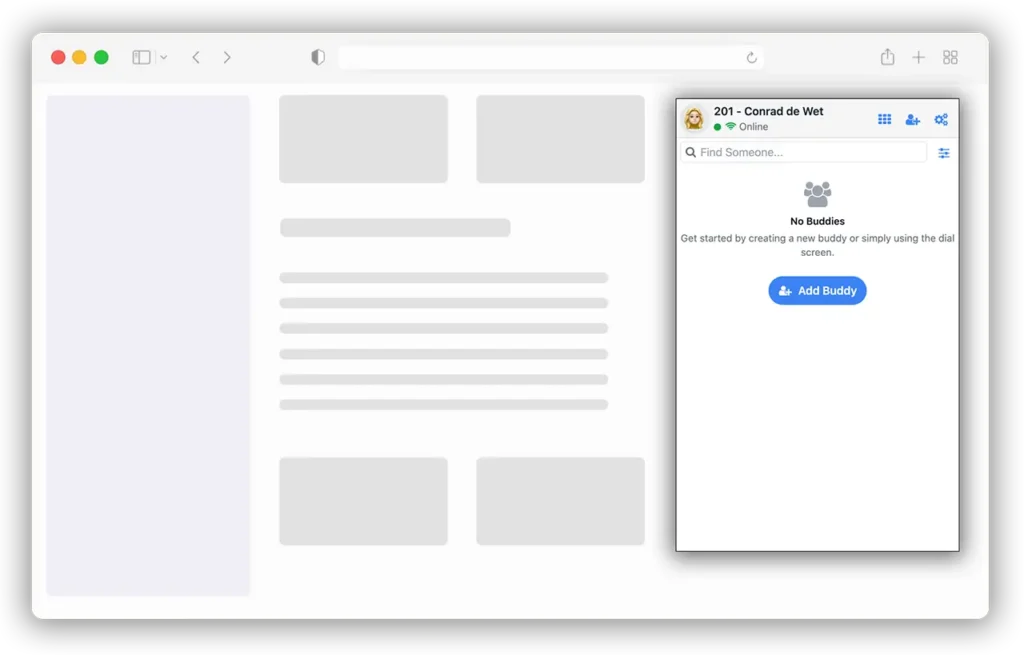
Browser Phone API
Once installed as per the documents, the following API is exposed.
Note: This API is under active development. Browser Phone SDK API will be published in full on the browser phone web site.
Copied!const thePhoneFrame = document.getElementById('phoneFrame'); // You must initialise the phone according to the method described in the documentation // https://www.web-phone.org/documentation/ // Wire up sample button document.getElementById('sample_dial').addEventListener('click', function() { // You need to make sure to are on the 'window.phone' namespace in the IFRAME const phone = (thePhoneFrame.contentWindow && thePhoneFrame.contentWindow.phone) ? thePhoneFrame.contentWindow.phone : null; if (!phone) { console.error('Phone API not available in IFRAME.'); return; } // console.log('Phone API:', phone); // Now you have access to the phone API const NumberToDial = '*65'; // The number to match against the buddy const WithVideo = false; // Either true (with video) or false (without) const Provider = 'sip'. // The internal provider (if not match to a buddy) phone.Dial(NumberToDial, WithVideo, Provider); });
Browser Tab Splitting
Modern browsers — most notably Google Chrome — now allow users to split a single browser tab into multiple side-by-side views. This makes it possible to display two independent web pages within the same tab, which is extremely convenient for workflows such as viewing a CRM alongside a softphone, ticketing system, or internal dashboard.
However, it’s important to understand a technical limitation of this feature.
When a tab is split, each view runs in an isolated browser context. Because of this, the standard Click to Dial mechanism described above does not work reliably across split-tab boundaries. In other words, clicking a phone number in one split view cannot automatically hand control to a softphone running in the other split view using plain in-page JavaScript alone.
To support Click to Dial in split-tab scenarios, you will need to install the Siperb Browser Extension from the Chrome Web Store. The extension acts as a lightweight bridge between browser contexts, allowing click events and call instructions to be forwarded to the Web Phone regardless of how tabs or views are arranged.
The extension itself is intentionally simple. In fact, many teams choose to build their own version tailored to their application. A custom extension can make use of the same Browser Phone API, giving you full control over how Click to Dial events are detected, routed, and handled — while still preserving the seamless user experience.
In short:
- Single-page or standard tab layouts → no extension required
- Split tabs or advanced multi-view layouts → browser extension recommended
This approach ensures Click to Dial remains reliable, scalable, and consistent — even as browser UX continues to evolve.